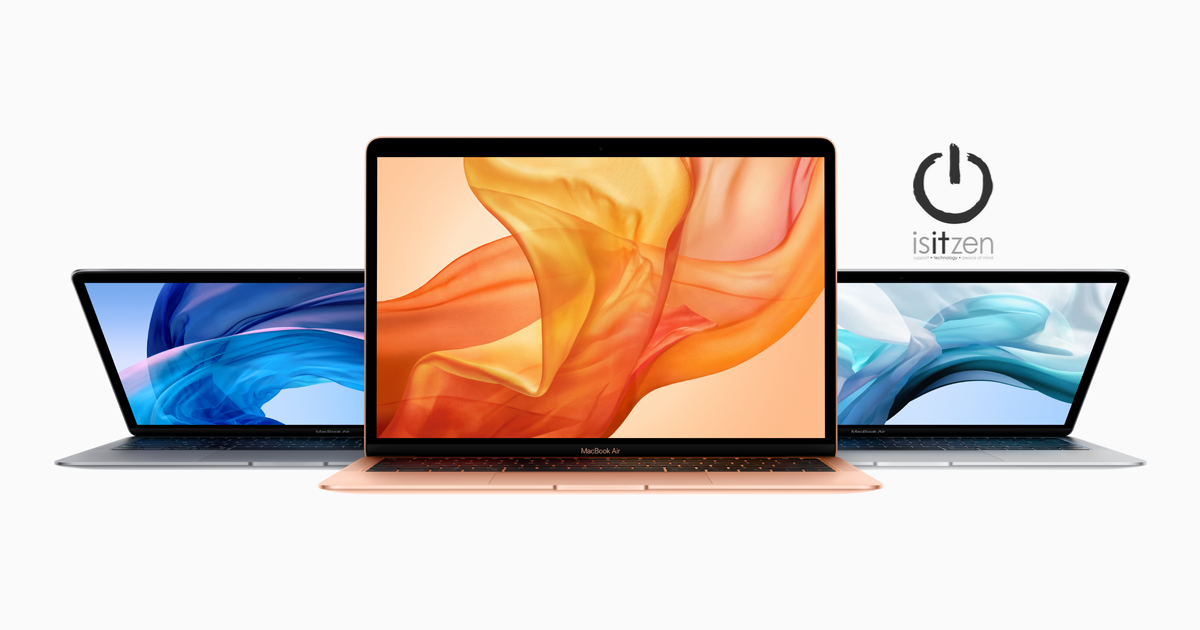
Keyboard Service Program for MacBook, MacBook Air, and MacBook Pro
Apple has determined that a small percentage of the keyboards in certain MacBook, MacBook Air, and MacBook Pro models may exhibit one or more of the following behaviors:
Letters or characters repeat unexpectedly
Letters or characters do not appear
Key(s) feel "sticky" or do not respond in a consistent manner
Apple or an Apple Authorized Service Provider will service eligible MacBook, MacBook Air, and MacBook Pro keyboards, free of charge. The type of service will be determined after the keyboard is examined and may involve the replacement of one or more keys or the whole keyboard.
Eligible Models
To identify your computer's model and to see if it is eligible for this program, choose Apple () menu > About This Mac. Eligible models are listed below.
MacBook (Retina, 12-inch, Early 2015)
MacBook (Retina, 12-inch, Early 2016)
MacBook (Retina, 12-inch, 2017)
MacBook Air (Retina, 13-inch, 2018)
MacBook Air (Retina, 13-inch, 2019)
MacBook Pro (13-inch, 2016, Two Thunderbolt 3 Ports)
MacBook Pro (13-inch, 2017, Two Thunderbolt 3 Ports)
MacBook Pro (13-inch, 2019, Two Thunderbolt 3 ports)
MacBook Pro (13-inch, 2016, Four Thunderbolt 3 Ports)
MacBook Pro (13-inch, 2017, Four Thunderbolt 3 Ports)
MacBook Pro (15-inch, 2016)
MacBook Pro (15-inch, 2017)
MacBook Pro (13-inch, 2018, Four Thunderbolt 3 Ports)
MacBook Pro (15-inch, 2018)
MacBook Pro (13-inch, 2019, Four Thunderbolt 3 Ports)
MacBook Pro (15-inch, 2019)
Note: No other Mac notebook models are part of this program.
Service Process
Please choose one of the options below for service. Your Mac notebook will be examined prior to any service to verify that it is eligible for this program.
The type of service will be determined after the keyboard is examined and may involve the replacement of one or more keys or the whole keyboard. The service turn-around time may vary depending upon the type of service and availability of replacement parts.
To prepare your unit for service, please backup your data.
Note: If your MacBook, MacBook Air, or MacBook Pro has any damage which impairs the service, that issue will need to be repaired first. In some cases, there may be a cost associated with the repair.
Additional Information
This worldwide Apple program does not extend the standard warranty coverage of your Mac notebook.
If you believe your Mac notebook was affected by this issue, and you paid to have your keyboard repaired, you can contact Apple about a refund.
The program covers eligible MacBook, MacBook Air, and MacBook Pro models for 4 years after the first retail sale of the unit.