


Unable to convert the virtual hard disk to the new format. The virtual hard disk file is either damaged or locked.
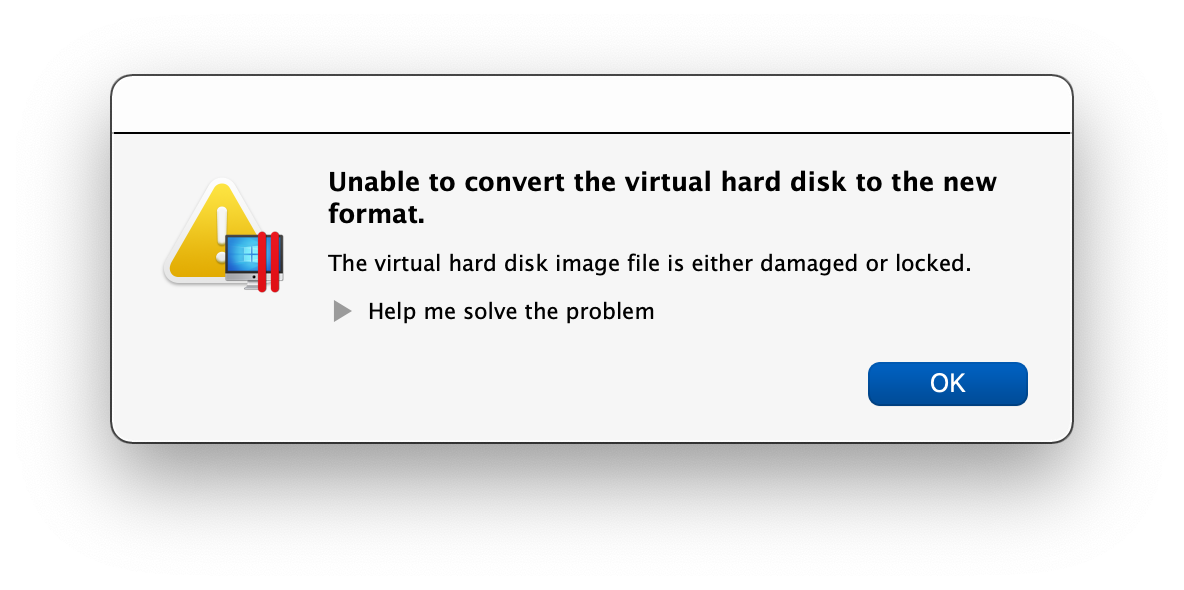
Parallels 16, Intel MacBook Pro, macOS 11 Big Sur
Error while attempting to create Mac OS X 10.10 Yosemite VM.

Followed by this error “Parallels Desktop Starting…” message after quit and relaunch.

Then producing this “To complete Parallels Desktop setup, please restart your Mac.” error.
Rinse. Lather. Repeat… Joy. -rws

Never surrender. Never give up.
VIP email contacts
Make someone a VIP
In the Mail app on your Mac, select a message from someone you want to make a VIP.
Move the pointer next to their name in the message header, then click the star that appears.
You can also click the arrow in a Smart Address, then choose Add to VIPs.

If a VIP has more than one email address in the Contacts app, messages from all of their addresses are included in the VIP’s mailbox.
nice workaround for enlarging email text for viewing/printing
Emails printing with VERY small font
If your email font is easy to read on the computer but prints out very small and you want it to print out larger, try this: when the email is open in Mail, hold down the Command key and tap the plus sign (+) only once. This enlarges the email font size for printing purposes. Tap the plus sign again if you want the font to be even larger. After printing, close that email in Mail and the font will return to its original size.